 Why You Can Trust CNET
 What is a Netbook computer?
Michael Horowitz offers an introduction to Netbook computers, a new class of low-end laptops.
Last time, while describing the Lenovo IdeaPad S10, I offered my opinion that Netbook computers will drastically change the computing scene. A quick look at the best selling computers at Amazon.com shows many Netbooks (as of October 15, 2008 the top three computers were all Netbooks). In writing a follow-up posting, I realized that an introduction to Netbooks might be needed. So, here I try to explain just what Netbooks are and how they differ from the millions of laptop computers that existed previously.
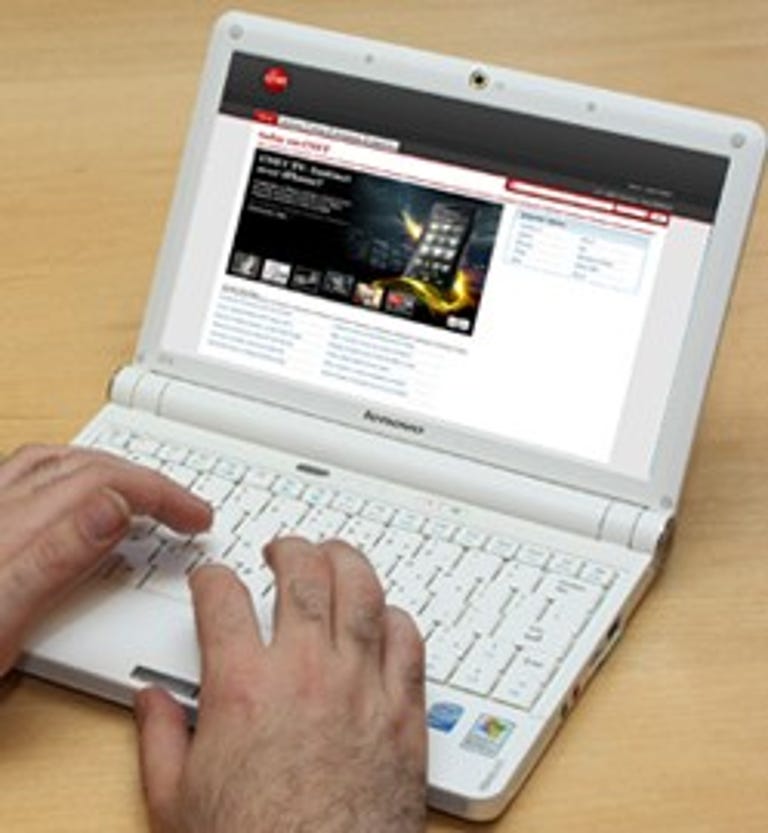
A Netbook is a new type of laptop computer, defined by size, price, horsepower, and operating system. They are small, cheap, under-powered, and run either an old or unfamiliar operating system.
Netbooks run either Windows XP Home edition or Linux (not only is Linux unfamiliar to many, but the versions of Linux on Netbooks are not the mainstream popular distributions). They do not run XP Professional, Vista, or OS X. Microsoft arbitrarily restricts Netbooks from running the Professional Edition of Windows XP. Likewise, Apple arbitrarily restricts OS X to Apple hardware and it has never played in the low-end realm that Netbooks occupy.* Vista requires too much horsepower to run well on a Netbook. HP has been the only company to offer Vista on a Netbook. The price, however, was so high that it's debatable whether such a machine qualifies as a Netbook.
Update: On October 24, 2008 CNET's Ina Fried reported that Microsoft has plans to make Windows 7, the upcoming version of Windows that will replace Vista, available on Netbooks.
Size-wise, Netbooks have 9- or 10-inch screens, weigh from 2 to 3 pounds, and sport keyboards sized from 80 percent to 95 percent of normal.
Price-wise, Netbooks start at about (all prices are rounded off and approximate) $330 for a Linux-based model and $350 for an XP-based machine. The high end of the Netbook price range is debatable. To me, anything over $500 isn't a Netbook. Still, many companies are marketing computers they refer to as Netbooks for more than that. When HP first released their Mini-Notes, prices ran from $500 to $1,200.
Update: As of October 15, 2008 prices at HP's website range from $400 to $780.
Despite a huge proliferation of Netbook models, these specs seem to be standard:
- Screen resolution 1024x600
- Intel Atom CPU running at 1.6-GHz
- Wi-Fi B and G
- Ethernet at 100Mbps
- A slot for a flash RAM memory card
- External VGA output jack
- Integrated graphics
- Two or three USB ports
- Built-in camera
- Headphone and microphone jacks
What's missing
What's missing is just as interesting.
For one thing, there is no optical drive. CDs and DVDs had to be thrown overboard to reduce both the size and cost. Another omission is the now legacy PC card (aka PCMCIA) slot. Most Netbooks don't include Bluetooth. And, while they do have Ethernet and Wi-Fi, they don't include the fastest version of Ethernet (known as gigabit Ethernet), the latest version of Wi-Fi (N) or the older "A" version of Wi-Fi.
I understand these omissions and many people can live with them. However, I think manufacturers are making a mistake by not including a telephone modem. For many, communication will be the main purpose of their Netbook and there are still places where the only means of getting online is dialing the telephone.
The latest technology for online access is a 3G data network. Netbooks, as a rule, don't yet support 3G networks, but that will surely change in the near future. Some will have the necessary hardware built in at the factory, others will support ExpressCard modems, the rest will make do with USB connections. Then too, a cell phone can provide mobile Internet access and communicate with the Netbook using Bluetooth.
Ever-present Internet connections could make a huge difference in the popularity of Netbooks. Look what it has done for the Kindle.
What differs
One of the big differences among Netbook models is the storage medium, some have spinning platter hard disks, other come with solid-state disks (SSDs).
Frequently the Linux based Netbooks employ SSDs whereas the Windows XP models use a standard hard disk. The reasons for this include: Windows XP needs more storage space, SSDs are more expensive and Windows itself is more expensive than Linux.
Another reason has to do with the speed of SSDs--the cheap models are very slow at writing, especially at random writes. Kevin C. Tofel at jkOnTheRun did an interesting test. He started with an SSD-based Acer Aspire One running Linux. The machine was reasonably zippy at running Linux, but just for fun he installed Windows XP on it. XP ran as slow as molasses. There is a huge variation in SSDs, and I don't know if XP performs reasonably well on the SSDs in other Netbooks. You can buy an SSD that's faster than a spinning platter disk in all respects (including random reads and random writes), but you may not want to pay for it.
Another difference among Netbooks is battery life/power, with low-end models having 3-cell batteries and higher-end models having 6 cells.
To me, a big feature is the screen surface. Most Netbooks seem to have glossy screens, which Alfred Poor points out are cheaper. I prefer an antiglare coating.
Update October 15, 2008: So too does fellow CNET blogger Dave Rosenberg.
Low-end models
There are far too many Netbook models for a blogger like me to keep up with. But, I pay attention to the cheap ones and below is a sampling of current models and pricing. Cheapest isn't necessarily the best. For example, if battery life is important to you, you'll need to spend more for stronger battery.
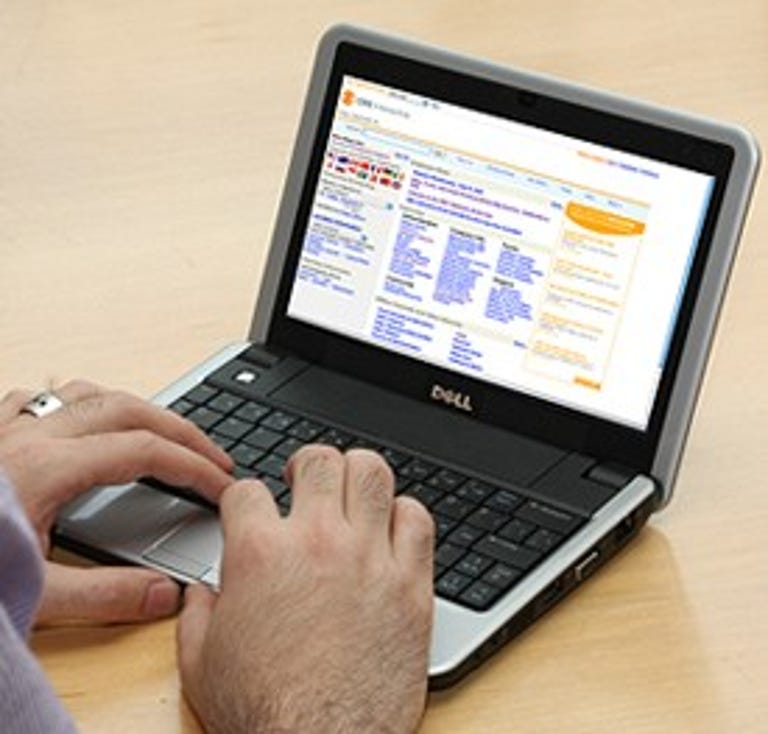
The Lenovo S10 is among the cheaper Windows XP machines. It starts at $400 with an 80GB spinning platter hard disk, a 10-inch antiglare screen and 512MB of ram. The XP version of the Dell Inspiron Mini 9 also sells for $400 and includes 512MB of RAM and a 9-inch glossy screen. However, the Mini 9 comes with 8GB of solid-state storage.
Perhaps the best bargain in an XP Netbook is the Acer Aspire One. It sells for as low as $350 with 1GB of RAM, a 120GB hard disk and a 9-inch glossy screen.
Acer is also a bargain on the Linux side. Pricing starts at $330 (here and here) with a 9-inch glossy screen, 512MB of RAM, 8GB of solid state storage, and Acer's own version of Linux, Linpus.
For $350 you can buy a Dell Inspiron Mini 9 running a much more standard version of Linux, Ubuntu. It comes with a 9-inch glossy screen, 512MB of RAM, and 4GB of solid state storage.
When they were first introduced, the HP Mini-Notes were seriously expensive. The keyboard was loved by all reviewers and the screen was a higher resolution and thus offered a sharper image. They were, however, released too soon to include an Atom processor and reviewers felt they were a bit under-powered. In the five or so months since they were released, they've come down in price. A low-end Linux model, the HP 2133-KR922UT with 512MB of RAM, and 4GB of solid state storage sells for $370 at Amazon.com. It runs SuSE Linux Enterprise Desktop 10 and includes an ExpressCard Slot.
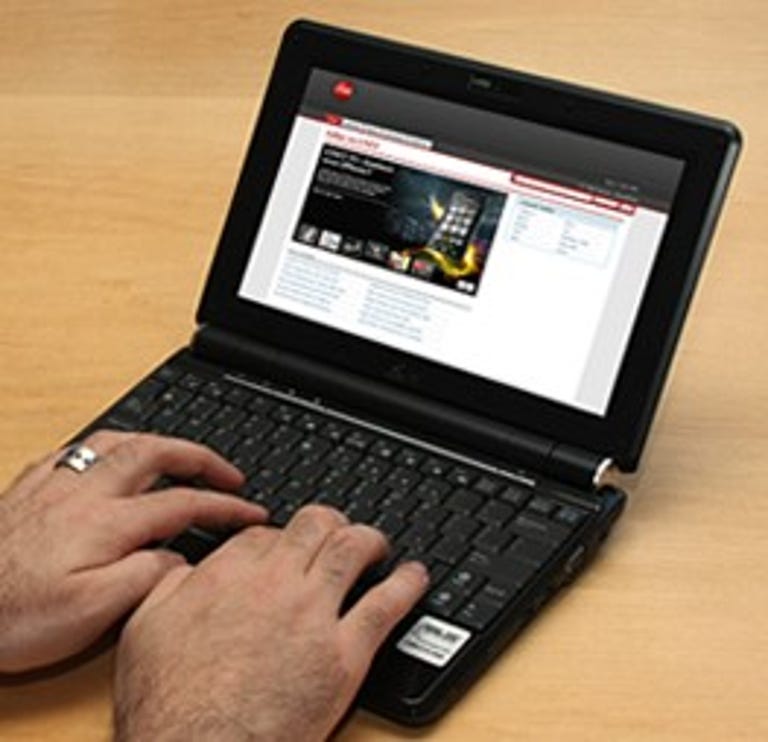
If you're willing to live with last years model and a small keyboard, you can get an Asus Linux based Netbook for $300.
Keeping up
New devices mean new experts. Among the sites keeping up on the latest Netbooks are jkOnTheRun, Laptop magazine, Liliputing, and Electric Vagabond.com. I don't have a lot of experience with these sites, but jkOnTheRun is my favorite so far.
One thing to note, however: technical reviewers often get better Netbooks than you and me. Models are constantly changing and PR people get reviewers the latest and greatest. For machines that are under-powered by definition, a small upgrade, such as doubling the RAM, can make a big difference in performance. When reading any review, be aware of the specs, the model being discussed may not be the one available at your local retailer.
Also be aware that Netbooks are changing very quickly. The Wikipedia inventory of available and planned models is huge, especially considering that the first Netbook was released only a year ago. By the time the electrons dry on a Netbook review, something in it is outdated.
Going forward
Despite being underpowered, Netbooks will be extremely popular because they will go where no computer has gone before. Their small size and low cost will open up new applications, that we can only guess at.
For years techies and the public focused on the cutting edge of personal computing. Netbooks are dull technology-wise, the equivalent of last year's model. But for many applications, they are good enough. Many things have been popular because they were cheaper than the competition and although not as good, were thought to be good enough.
How will Netbooks affect personal computing going forward?
For one, they'll introduce more people to Linux. Perhaps the inherent safety of Linux, shared with OS X, will popularize it with users sick and tired of fending off malicious software.
Netbooks will help keep Windows XP alive and well, not that it needs any help. I suspect that very few people want Vista when they buy a new Windows computer. Some of them tolerate it, others don't know they have a choice. The New York Times had a story headlined How I Stopped Worrying and Learned to Tolerate Vista that included this:
"Taming Vista on my Intel chip-equipped Sony Vaio laptop became, after a while, a measure of maintaining patience, never mind sanity. Sure, there was a day recently when I could've thrown the thing out of the window and into the backyard, and then made tracks to the Mac Pro desktop in the basement."
I think that Netbooks will be the first computer for a whole generation of children, starting, perhaps, as early as the upcoming holiday season.
Netbooks will help and benefit from the transition away from plastic DVDs as a movie medium to electronic media. Likewise, they will help and be helped by the transition to SSDs and away from spinning platter hard disks. Same with cloud computing, no matter how you define it.
Netbooks may make the Kindle into a dinosaur. Why carry a small box that does one thing, when you can carry a small box that does many things? Why buy a dedicated Internet radio, when a Netbook can do that? Why buy a small DVD player if you can get a movie on a flash memory card? Why buy a high-end smart phone, when a Netbook can do all that on a larger screen? It's an exciting future for Netbooks.
For standard computing tasks, the small Netbook screen and keyboard will, no doubt, limit its audience. That said, you can always connect a Netbook to an external monitor, a real mouse and/or a real keyboard. And software tricks can be played to increase the font size when an external monitor is not available.
Soon: what Netbooks have to do with defensive computing.
*CNET's Erica Ogg wrote that it's unlikely Apple will come out with a Netbook. See Three things Apple won't do from October 15, 2008.
See a summary of all my
Defensive Computing postings.