The clean energy revolution requires a lot of batteries. While lithium-ion dominates today, researchers are on a quest for better materials.
Some people rent because they can't afford to buy a home. Others do it simply because they want to.
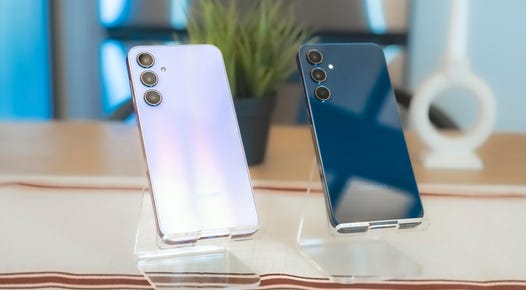
Samsung's Galaxy A35 5G stands out for its big screen and premium design.
Here's everything to consider before buying a new king-sized mattress.
Looking for a new queen-size mattress? Our sleep experts have tested and ranked the best queen mattresses that are worth the investment.
While there are more feature-packed VPNs, it’s hard to complain about the intuitiveness and value of DuckDuckGo’s no-frills virtual private network.
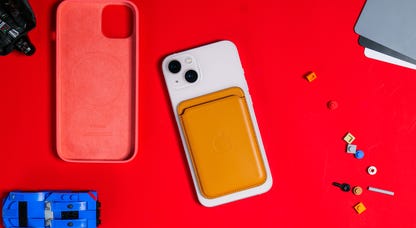
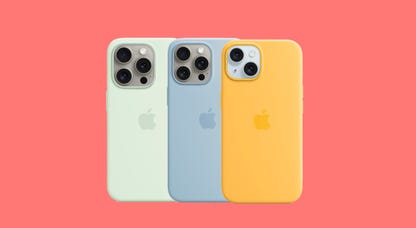
Commentary: Apple brings innovation to its ambitious environmental initiatives. Can it spare some innovation for better "green" accessories?
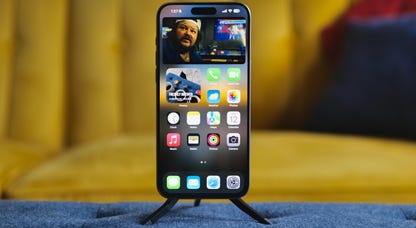
Commentary: Here's what I learned after living with Apple's 15 Pro Max for over half a year. Spoiler: It's still my daily driver.
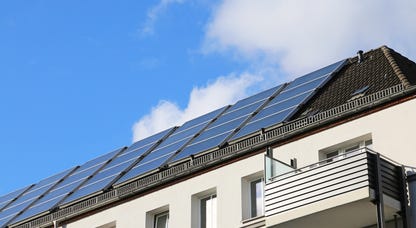
For a generation of young people struggling with rent, solar power could help cut back on the bills.
Our gifting experts share their favorite Mother's Day gift ideas for the queen of the castle.
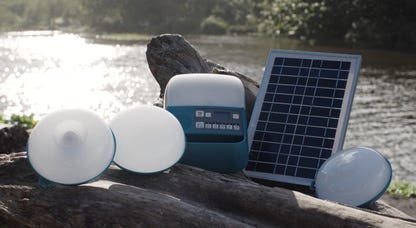
Reduce your environmental impact with solar-powered gadgets, reusable straws and planet-friendly shoes.
Not that you can't use it for entertainment, but Acer's compact, lightweight 14-inch Chromebook is just right for school and home office use.
A cost-saving prepaid plan can be paired up with nearly any unlocked phone, and these devices offer a lot of value for the money.
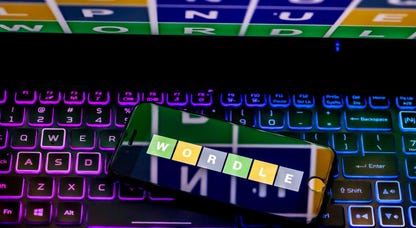
Here are some hints, and the answer, for Wordle No. 1035.
Hillsboro residents enjoy an embarrassment of riches when it comes to shopping for internet.
The iPhone 16 isn't even a thing and already we're starting to hear rumors about the iPhone 17.
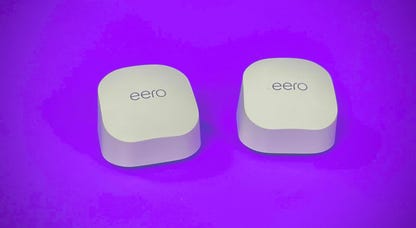
Wi-Fi 7 routers are technically here, but Wi-Fi 6 routers are still the best value around for most people.
Zepbound, a drug that rivals Ozempic, may one day be a treatment for sleep apnea, according to results from a new study.
Everything you need to know about sustainability.
Learn to better navigate our digital world.
A dive into the infinite complexities.
The next stage in the internet's evolution.
Creating independence for everyone.